Technology
HowToRequest Team
1 min read
Best Monitors for Developers in 2026
What to prioritize when buying a display for long coding sessions: resolution, panel type, refresh rate, and ergonomics.
Table of Contents
Best Monitors for Developers in 2026
The right monitor reduces eye strain and speeds navigation across terminals, browsers, and design tools.
What to look for
- Resolution — 1440p or 4K makes text crisp; scaling matters as much as raw pixels.
- Panel — IPS and OLED variants offer strong viewing angles; OLED excels for contrast.
- Refresh rate — 120 Hz+ makes scrolling and window motion noticeably smoother.
Example configurations
- Sharp text-first — 27–32″ 4K IPS for IDE-focused work.
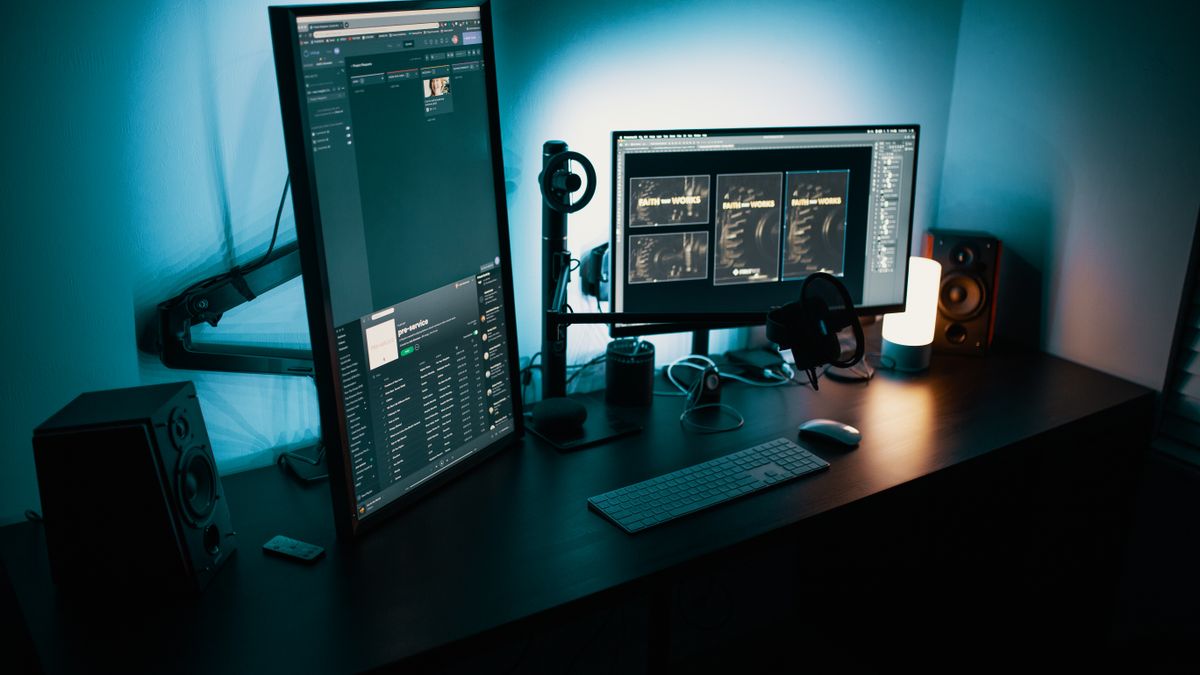
- Vertical code column — A secondary portrait display or a dual-aspect monitor for docs + chat.
- Ultrawide — Single-cable immersion for timelines and dashboards.
Ergonomics
Pair the panel with an adjustable arm so the top third of the screen sits near eye level. Lighting behind the monitor can reduce perceived glare during night sessions.
Get the next tutorial first
One email when we ship high-signal guides — stored securely in Firebase Firestore.
Share
Back to all tutorials